If your cold emails are landing in spam, the problem usually isn’t your copy. It’s your infrastructure.
Many businesses invest time in writing better subject lines, personalizing emails, and buying quality lead lists. Yet they still struggle with low open rates and almost no replies. In most cases, the real issue is a weak or poorly configured Cold Email Infrastructure.
A strong infrastructure is the foundation of every successful cold email campaign. Without it, even the best outreach strategy will fail.
In this guide, you’ll learn what cold email infrastructure is, why it matters, and how to build a system that consistently reaches your prospects’ inboxes.
What Is Cold Email Infrastructure?
Cold email infrastructure refers to the complete technical setup that supports your outbound email campaigns. It includes everything required to send emails safely while maintaining a strong sender reputation.
A professional setup typically includes:
- Sending domains
- Business email accounts
- SPF, DKIM, and DMARC authentication
- DNS configuration
- Inbox warm-up
- Sending schedules
- Email routing
- Deliverability monitoring
Think of it like building a highway before driving a car. Without the right infrastructure, your emails have nowhere reliable to go.
Why Cold Email Infrastructure Matters
Email providers like Google and Microsoft analyze hundreds of signals before deciding whether your email belongs in the inbox or spam folder.
These signals include:
- Domain reputation
- Authentication records
- Sending history
- Volume consistency
- Complaint rate
- Bounce rate
- User engagement
Without a properly configured cold email infrastructure, your emails are more likely to be filtered before your prospects even see them.
This means:
- Lower open rates
- Fewer replies
- Lost sales opportunities
- Damaged sender reputation
Investing in infrastructure first saves both time and money later.
The Core Components of Cold Email Infrastructure
1. Dedicated Sending Domains
Avoid sending cold emails from your primary business domain.
Instead, create secondary domains that closely match your brand.
For example:
- yourbrandmail.com
- getyourbrand.com
- tryyourbrand.com
This protects your main domain while allowing you to scale outbound campaigns safely.
2. Professional Email Accounts
Create multiple business inboxes for each sending domain.
Rather than relying on one email account, distribute sending across several inboxes.
Example:
- john@
- david@
- sarah@
This approach reduces risk and creates healthier sending patterns.
3. SPF, DKIM, and DMARC
Authentication is one of the most important parts of Cold Email Infrastructure.
SPF verifies that your server is allowed to send emails.
DKIM digitally signs each message to prove it hasn’t been altered.
DMARC tells receiving servers how to handle unauthenticated emails.
Without these records, even legitimate campaigns may end up in spam.
Warm Up Every Inbox
A brand-new inbox has no reputation.
Sending hundreds of cold emails on day one is one of the fastest ways to damage that reputation.
Professional deliverability specialists gradually increase sending volume while generating positive engagement through inbox warm-up.
A healthy warm-up period usually lasts between two and four weeks depending on your goals.
Patience during this stage pays off with significantly better inbox placement.
Maintain Consistent Sending Patterns
Email providers prefer predictable behavior.
Instead of sending 500 emails one day and none the next, spread your volume evenly.
For example:
- Monday to Thursday
- Limited daily volume
- Random intervals between emails
- Natural sending windows
Consistency helps establish trust with mailbox providers.
Monitor Deliverability Regularly
Setting up your infrastructure isn’t enough.
You also need continuous monitoring.
Important metrics include:
- Inbox placement
- Open rate
- Reply rate
- Bounce rate
- Spam complaints
- Domain reputation
Monitoring allows you to identify problems before they affect your campaigns.
Professional tools such as Google Postmaster Tools, Microsoft SNDS, MXToolbox, GlockApps, and Mail-Tester can help evaluate email health.
Common Cold Email Infrastructure Mistakes
Many businesses unknowingly hurt their deliverability by making avoidable mistakes.
Some of the most common include:
Using the Primary Business Domain
Your main website domain should support your business—not absorb the risks of cold outreach.
Protect your brand by separating outbound infrastructure.
Skipping Authentication
Missing SPF, DKIM, or DMARC records immediately reduce trust with receiving mail servers.
Authentication should never be optional.
Sending Too Much Too Soon
Scaling before warming inboxes often results in spam placement and long-term reputation damage.
Growth should always be gradual.
Poor List Quality
Even the best Cold Email Infrastructure cannot fix bad data.
Always verify email addresses and remove invalid contacts before launching campaigns.
Ignoring Replies
Mailbox providers pay attention to engagement.
Positive replies improve reputation, while ignored conversations reduce campaign effectiveness.
How Professionals Scale Cold Email Infrastructure
Growing outbound teams rarely rely on a single domain or inbox.
Instead, they build scalable systems.
A common setup might include:
- Multiple sending domains
- Three to five inboxes per domain
- Controlled sending limits
- Automated warm-up
- Daily reputation monitoring
- Regular DNS audits
This approach allows businesses to send thousands of emails each month while protecting deliverability.
The goal isn’t simply sending more emails—it’s maintaining consistent inbox placement as volume grows.
Why Deliverability Is More Important Than Copy
Many marketers spend hours improving email copy while overlooking technical fundamentals.
The truth is simple.
If your email never reaches the inbox, nobody will read your carefully written message.
Deliverability comes first.
Copywriting comes second.
Personalization comes third.
When these three elements work together, response rates improve dramatically.
10 Best Cold Email Software (2026) | Tested & Reviewed
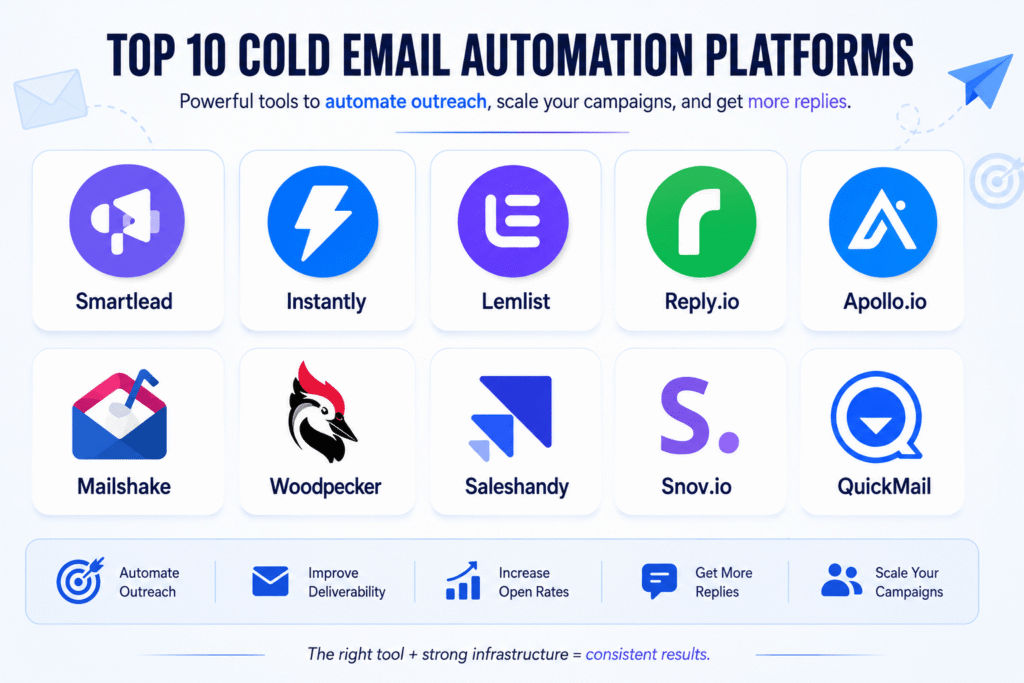
Finding the right cold email software can make the difference between landing in your prospect’s inbox or getting filtered into spam. In 2026, the best platforms do much more than send emails—they help improve deliverability, automate follow-ups, personalize outreach, and track campaign performance.
Which Cold Email Tool Should You Pick?
After evaluating features, usability, scalability, and deliverability capabilities, here are ten of the best cold email software solutions available today:
- Smartlead – Excellent for agencies and businesses managing multiple domains and inboxes with advanced deliverability features.
- Instantly – A popular choice for high-volume outreach, offering inbox warm-up, campaign automation, and detailed analytics.
- Lemlist – Best known for personalization, multichannel outreach, and user-friendly campaign building.
- Reply.io – Combines email automation with LinkedIn and calling workflows for complete outbound sales sequences.
- Apollo.io – Includes both a large B2B contact database and built-in cold email functionality.
- Mailshake – A simple platform designed for sales teams looking to launch campaigns quickly.
- Woodpecker – Ideal for small businesses that need reliable automation and follow-up sequences.
- Saleshandy – Offers affordable cold email automation with email verification and campaign tracking.
- Snov.io – Combines lead generation, email verification, CRM, and outreach in one platform.
- QuickMail – Focuses on inbox placement, automation, and team collaboration for outbound campaigns.
The best cold email software depends on your goals. If you’re scaling thousands of emails per month, platforms like Smartlead or Instantly are strong choices. For personalized outreach, Lemlist stands out, while Apollo.io is ideal if you also need built-in lead data.
Remember, even the best software cannot guarantee results without a properly configured cold email infrastructure. Authenticating your domains, warming up inboxes, verifying email lists, and maintaining a healthy sender reputation are essential for consistent inbox placement.
Choose a platform that fits your workflow, but always prioritize deliverability before increasing sending volume. The right combination of software and infrastructure will help you generate more replies, book more meetings, and scale your outbound campaigns successfully.
Head-to-Head Comparison of Top 3 Cold Emailing Platforms
Choosing the right cold emailing platform can directly impact your outreach performance, inbox placement, and sales pipeline growth. While many tools offer email automation, Saleshandy, Apollo.io, and Instantly.ai are three popular platforms with different strengths.
This comparison breaks down their pricing, email accounts, databases, deliverability features, AI capabilities, and CRM options to help you choose the right solution.
| Feature | Saleshandy | Apollo.io | Instantly.ai |
| Pricing | $25/month (Flat fee) | $49/month per user | $37.60/month (Flat fee) |
| Email Accounts | Unlimited accounts on all plans | Limited based on plan tier | Unlimited email accounts |
| B2B Database & Verification | 852M+ contacts with real-time verification | 210M+ contacts with sales intelligence database | 450M+ contacts (separate lead package required) |
| Email Verification | A-grade verification, no credits charged for unverified emails | Credits charged per verification action | Lead database verification available separately |
| Warm-up Features | Unlimited warm-up, sender rotation, inbox placement test, ESP matching, bounce detection | Basic warm-up (new beta), manual inbox rotation, limited testing features | Unlimited warm-up, sender rotation, IP rotation on higher plans |
| AI Email Features | AI sequence generation, A-Z variant testing, AI reply categorization | AI sequence builder, personalization, lead scoring | AI sequence writer, A-Z testing, advanced AI features on higher plans |
| Built-in CRM | Included with Kanban pipeline and activity timeline | Included with full deal management features | Included with basic CRM workflow |
Saleshandy vs Apollo.io vs Instantly.ai: Which One Is Better?
Saleshandy is a strong option for businesses looking for affordable cold email automation with unlimited inbox management. Its deliverability-focused features make it suitable for agencies and teams running multiple campaigns.
Apollo.io stands out because of its massive B2B database and sales intelligence features. It is ideal for companies that need prospecting, lead enrichment, and outreach in one platform.
Instantly.ai is popular among agencies and high-volume senders because of its unlimited email accounts, simple campaign management, and scalable infrastructure.
The best choice depends on your outreach strategy:
- Choose Saleshandy if you need affordable automation with strong deliverability features.
- Choose Apollo.io if your priority is finding and enriching B2B leads.
- Choose Instantly.ai if you need to scale cold email campaigns across multiple inboxes.
However, regardless of the platform you choose, success depends on having a proper Cold Email Infrastructure, verified lead data, domain authentication, and a strong deliverability strategy. A good tool helps you send emails, but a reliable system helps you consistently reach the inbox.
How Much Does Saleshandy Cost?
Saleshandy is a popular cold email outreach platform designed for businesses, agencies, and sales teams that want to automate email campaigns, manage multiple inboxes, and improve deliverability. The platform offers different pricing tiers based on email volume, active prospects, and advanced outreach features. (Saleshandy)
Saleshandy pricing starts at $25/month on annual billing for the Outreach Starter plan. Higher plans are designed for teams that need larger sending capacity, more prospects, and advanced automation features. (Saleshandy)
Saleshandy Pricing Plans Comparison
| Plan | Price (Annual Billing) | Best For | Monthly Email Limit | Active Prospects |
| Outreach Starter | $25/month | Beginners & solo founders | 6,000 emails/month | 2,000 prospects |
| Outreach Pro | $69/month | Growing teams & agencies | 150,000 emails/month | 30,000 prospects |
| Outreach Scale | $139/month | Large outreach campaigns | 240,000 emails/month | 60,000 prospects |
| Outreach Scale Plus | Higher-tier plan | Enterprise-level outreach | 300,000+ emails/month | 100,000+ prospects |
Key Differences Between Saleshandy Plans
Outreach Starter ($25/month)
The Starter plan is suitable for individuals who are testing cold email outreach. It includes unlimited email accounts, email warm-up, AI-powered sequences, basic sender rotation, and limited verification credits. (Saleshandy)
However, the sending limit is lower, making it less suitable for agencies or companies running multiple campaigns.
Outreach Pro ($69/month)
The Pro plan is where Saleshandy becomes more useful for professional outbound campaigns. It increases sending capacity significantly and adds advanced sequence features, CRM integrations, and more verification credits. (Saleshandy)
This plan is a good fit for B2B agencies, startups, and sales teams managing multiple campaigns.
Outreach Scale ($139/month)
The Scale plan is built for companies that need higher-volume outreach. It includes larger prospect limits, more verification credits, team features, sender rotation improvements, and advanced deliverability options. (Saleshandy)
This is better suited for agencies managing campaigns for multiple clients.
Which Saleshandy Plan Should You Choose?
- Choose Starter if you are launching your first cold email campaign.
- Choose Pro if you are running consistent B2B outreach campaigns.
- Choose Scale if you manage multiple clients or high-volume outbound systems.
Saleshandy can reduce the complexity of cold email automation, but pricing is only one part of successful outreach. A strong Cold Email Infrastructure, verified lead lists, proper domain authentication, and deliverability monitoring are still required to achieve consistent inbox placement.
For most B2B agencies and professional outbound teams, the Pro or Scale plans provide the best balance between cost and scalability.
How Much Does Apollo.io Cost?
Apollo.io is one of the most popular B2B sales intelligence and cold email outreach platforms. It combines a large contact database, email sequencing, prospecting tools, and sales engagement features in one platform.
Apollo.io pricing is designed for different types of users, from individuals testing outbound campaigns to sales teams managing large-scale prospecting operations. The cost depends on the number of users, database credits, and advanced sales features required.
Apollo.io Pricing Plans Comparison
| Plan | Price (Approx.) | Best For | Key Features |
| Free Plan | $0/month | Beginners & testing | Limited credits, basic search filters, email sequences |
| Basic Plan | Around $49/user/month | Individual sales professionals | More database credits, email automation, advanced filters |
| Professional Plan | Around $79/user/month | Sales teams & growing companies | Unlimited email sequences, advanced analytics, AI features |
| Organization Plan | Custom pricing | Enterprise teams | Advanced controls, security, and team management |
Key Differences Between Apollo.io Plans
Free Plan ($0/month)
The Free plan is suitable for users who want to explore Apollo.io before upgrading. It provides access to the B2B database, basic prospect searches, and limited outreach features.
However, the monthly credit limits make it difficult for businesses running consistent cold email campaigns.
Basic Plan (Around $49/User/Month)
The Basic plan is designed for sales professionals who need more prospecting power. It includes access to advanced search filters, contact data, email sequences, and additional export credits.
This plan works well for freelancers, consultants, and small sales teams.
Professional Plan (Around $79/User/Month)
The Professional plan is built for teams that need scalable outbound sales operations. It includes more automation features, advanced reporting, AI-assisted workflows, and better campaign management.
Companies running regular B2B outreach campaigns usually benefit most from this plan.
Organization Plan (Custom Pricing)
The Organization plan is designed for larger companies with multiple sales teams. It includes enterprise-level controls, security features, advanced integrations, and dedicated support.
Which Apollo.io Plan Should You Choose?
- Choose Free if you want to test Apollo.io features.
- Choose Basic if you need affordable B2B prospecting and email outreach.
- Choose Professional if you manage multiple campaigns and sales workflows.
- Choose Organization if you need enterprise-level sales infrastructure.
Apollo.io is a powerful tool because it combines lead database, verification, and outreach automation in one platform. However, software alone does not guarantee cold email success.
A strong cold email infrastructure, verified email lists, domain authentication, inbox warm-up, and proper campaign strategy are still essential for achieving higher deliverability and better reply rates.
For businesses focused on B2B lead generation, Apollo.io is a strong choice when prospect data and outreach automation need to work together.
How Much Does Instantly.ai Cost?
Instantly.ai is one of the leading cold email outreach platforms for agencies, startups, and sales teams. It’s designed to help businesses scale outbound campaigns with unlimited email accounts, automated warm-up, and AI-powered email sequences. Unlike many competitors, Instantly focuses heavily on deliverability and campaign automation, making it a popular choice for high-volume cold email outreach.
Instantly.ai offers several pricing plans based on outreach volume, AI features, and advanced deliverability tools. Whether you’re a solo founder or a growing agency, there’s a plan designed to match your needs.
Instantly.ai Pricing Plans Comparison
| Plan | Price (Approx.) | Best For | Key Features |
| Growth | $37.60/month | Individuals & startups | Unlimited email accounts, warm-up, campaign automation |
| Hypergrowth | $97.60/month | Growing sales teams | Higher sending limits, advanced analytics, AI features |
| Light Speed | $358/month | Agencies & enterprise | Maximum scalability, team collaboration, premium support |
Key Differences Between Instantly.ai Plans
Growth Plan ($37.60/Month)
The Growth plan is perfect for freelancers, founders, and small businesses starting with cold email outreach. It includes unlimited email accounts, automated inbox warm-up, campaign management, sender rotation, and performance tracking.
This plan is ideal for users who want to build a reliable outbound system without paying per inbox.
Hypergrowth Plan ($97.60/Month)
The Hypergrowth plan is designed for businesses running larger outreach campaigns. It includes higher campaign limits, advanced reporting, AI-powered email writing, A/B testing, and additional deliverability features.
Sales teams and agencies managing multiple clients often choose this plan for its scalability.
Light Speed Plan ($358/Month)
The Light Speed plan is built for enterprise users and agencies sending high volumes of cold emails. It offers premium support, enhanced collaboration tools, advanced campaign management, and maximum sending capacity.
This plan is best suited for organizations that need to manage large outbound operations efficiently.
Which Instantly.ai Plan Should You Choose?
- Choose Growth if you’re launching your first cold email campaigns.
- Choose Hypergrowth if you manage multiple campaigns and need advanced AI features.
- Choose Light Speed if you’re running enterprise-level outreach or managing campaigns for multiple clients.
Instantly.ai is an excellent platform for scaling outbound sales, but software alone won’t guarantee results. A well-configured Cold Email Infrastructure, authenticated sending domains, inbox warm-up, verified lead lists, and continuous deliverability monitoring are essential for achieving consistent inbox placement.
For most startups, agencies, and B2B sales teams, the Hypergrowth Plan offers the best balance of features, scalability, and value.
Best Free Cold Email Automation Software in 2026
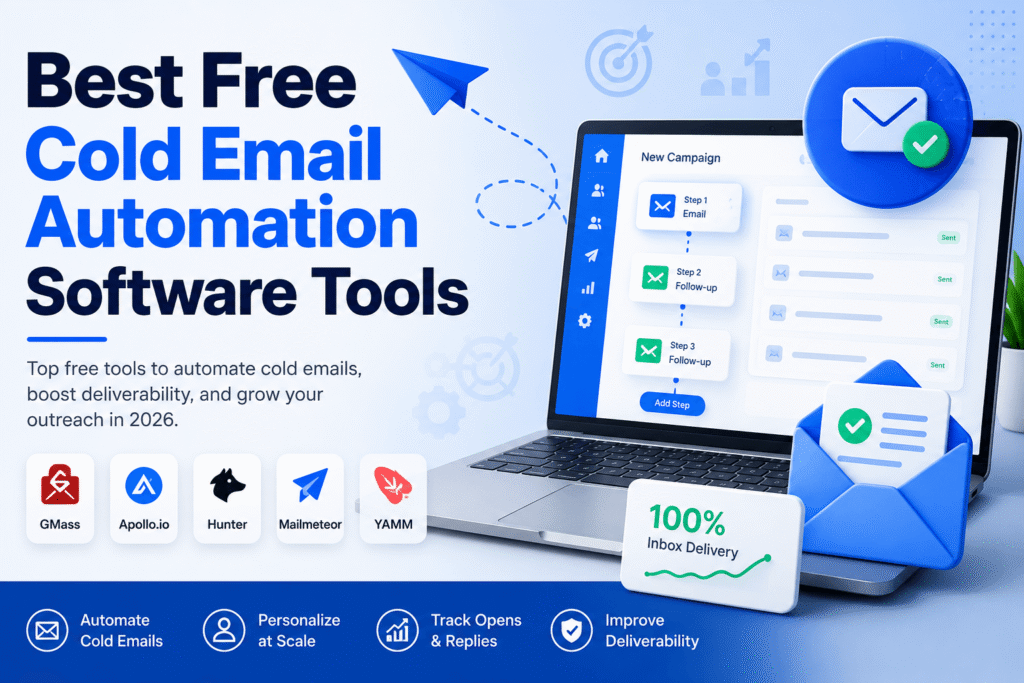
Finding reliable cold email automation free tools can be challenging. Many platforms advertise free plans, but most come with limitations such as sending caps, limited automation, or restricted features. Still, if you’re launching your first outbound campaign or testing a new offer, several free tools can help you get started without a large investment.
What Is Cold Email Automation?
Cold email automation software helps you send personalized outreach emails at scale. Instead of manually sending each message, these tools automate follow-ups, personalize emails using variables like first name or company, and track opens, clicks, and replies.
Unlike email marketing platforms, cold email tools are built specifically for one-to-one B2B outreach while focusing on deliverability and sender reputation.
Best Free Cold Email Automation Tools
1. GMass
GMass works directly inside Gmail and is one of the easiest tools for beginners. The free version lets you automate basic campaigns, personalize emails, and schedule follow-ups with daily sending limits.
2. Apollo.io
Apollo’s free plan combines a B2B contact database with basic email sequencing. It’s a great option if you need both lead generation and outreach in one platform.
3. Hunter Campaigns
Hunter offers a free tier that includes email finding, verification, and limited cold email campaigns. It’s ideal for freelancers and small businesses.
4. Mailmeteor
Mailmeteor integrates with Gmail and Google Sheets, allowing you to send personalized email campaigns without complicated setup.
5. YAMM (Yet Another Mail Merge)
YAMM is another Gmail-based solution that’s perfect for simple outreach campaigns and personalized email merges.
Things to Consider Before Choosing a Free Tool
Free plans are excellent for learning, but they usually include restrictions such as:
- Daily or monthly sending limits
- Limited automation workflows
- Fewer integrations
- Basic reporting and analytics
- Restricted AI features
As your outreach grows, you’ll likely need a paid platform like Smartlead, Instantly.ai, or Saleshandy to unlock higher sending limits and advanced deliverability features.
Don’t Ignore Cold Email Infrastructure
Even the best cold email automation free software cannot guarantee inbox placement if your technical setup is weak.
Before launching any campaign, make sure you have:
- SPF, DKIM, and DMARC configured
- Proper inbox warm-up
- Verified email lists
- Dedicated sending domains
- Gradual sending volume increases
These best practices help build a healthy sender reputation and improve deliverability over time.
Here are 6 SEO, AEO, and GEO-optimized FAQs for your article targeting the keyword “Cold email automation free”:
FAQs
1. What is the best free cold email automation software?
The best free cold email automation software depends on your needs. Popular options include GMass, Apollo.io, Hunter Campaigns, Mailmeteor, and YAMM. These tools offer free plans for sending personalized cold emails, although they come with usage limits.
2. Can I automate cold emails for free?
Yes. Several platforms allow you to automate cold email campaigns for free. You can schedule follow-ups, personalize messages, and track basic campaign performance. As your outreach grows, you may need a paid plan for higher sending limits and advanced automation.
3. Is free cold email software good for B2B lead generation?
Free cold email tools are a good starting point for freelancers, startups, and small businesses. They help you test outreach campaigns before investing in premium platforms. However, businesses running large-scale B2B campaigns often require advanced deliverability and automation features.
4. Do I need a cold email infrastructure when using free tools?
Yes. Even the best free cold email automation software cannot guarantee inbox placement without a proper Cold Email Infrastructure. Configuring SPF, DKIM, DMARC, warming up inboxes, and verifying email lists are essential for improving email deliverability.
5. What are the limitations of free cold email automation tools?
Most free plans include daily sending limits, basic automation workflows, fewer integrations, limited reporting, and restricted AI features. These limitations are suitable for testing but may not support long-term outbound growth.
6. When should I upgrade from a free cold email tool?
You should consider upgrading when you’re managing multiple campaigns, sending higher email volumes, or need advanced features like inbox rotation, AI personalization, team collaboration, and detailed analytics. Paid platforms also offer better scalability for growing outbound sales teams.